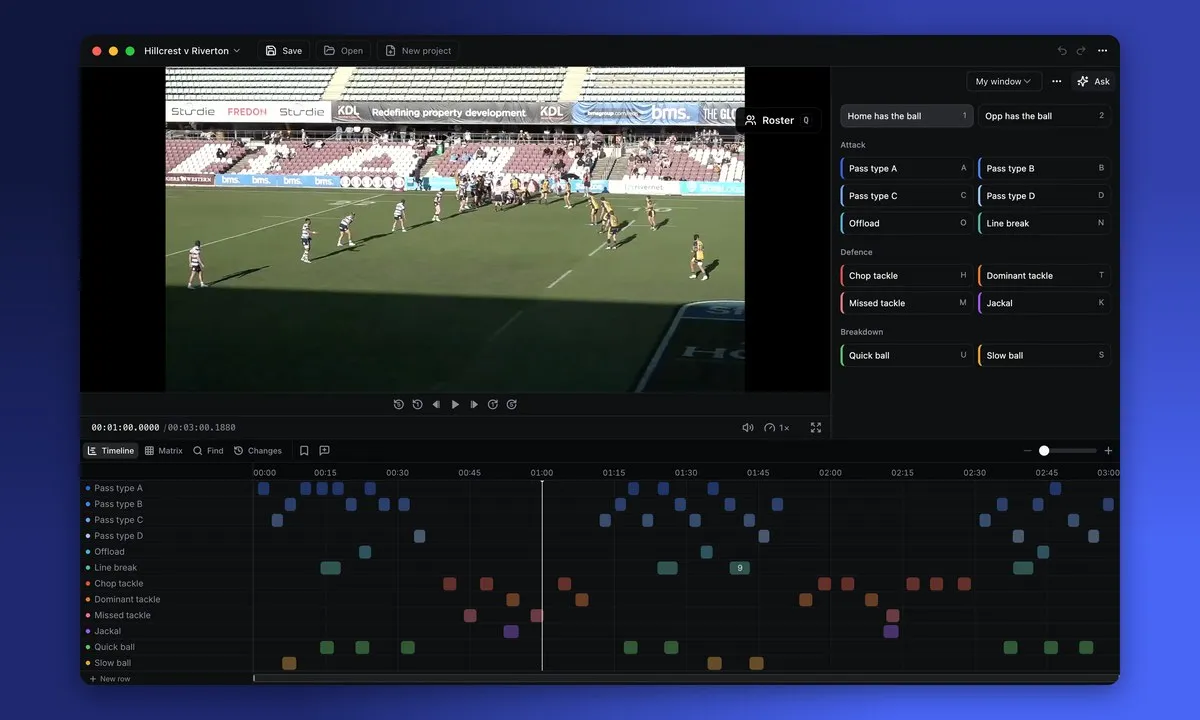
Desktop app
Framesports for Mac and Windows.
Your sessions, stats and presentations in their own app, with Offline Mode built in.
Older Mac with an Intel chip? Download the Intel version.
Mac with Apple silicon? Download the Apple silicon version.
Sign in with the same email and password you use on the website. Need a hand? Read the setup guide.
Your download has started
Install Framesports on your Mac.
- 1
Open Framesports-darwin-arm64.dmg from your Downloads folder.
- 2
Drag Framesports onto Applications.
- 3
Open Framesports from Applications and sign in with the same email and password you use on the website.
The first time you open it, your Mac asks if you want to open an app from the internet. Press Open.
Download didn't start? Try again. Need a hand? Read the setup guide.
Your download has started
Install Framesports on Windows.
- 1
Open Framesports-Setup.exe from your Downloads folder.
- 2
Wait a few seconds. Framesports installs and opens by itself.
- 3
Sign in with the same email and password you use on the website.
If Windows says "Windows protected your PC", press More info, then Run anyway. Windows shows this once, for apps it doesn't know yet.
Download didn't start? Try again. Need a hand? Read the setup guide.
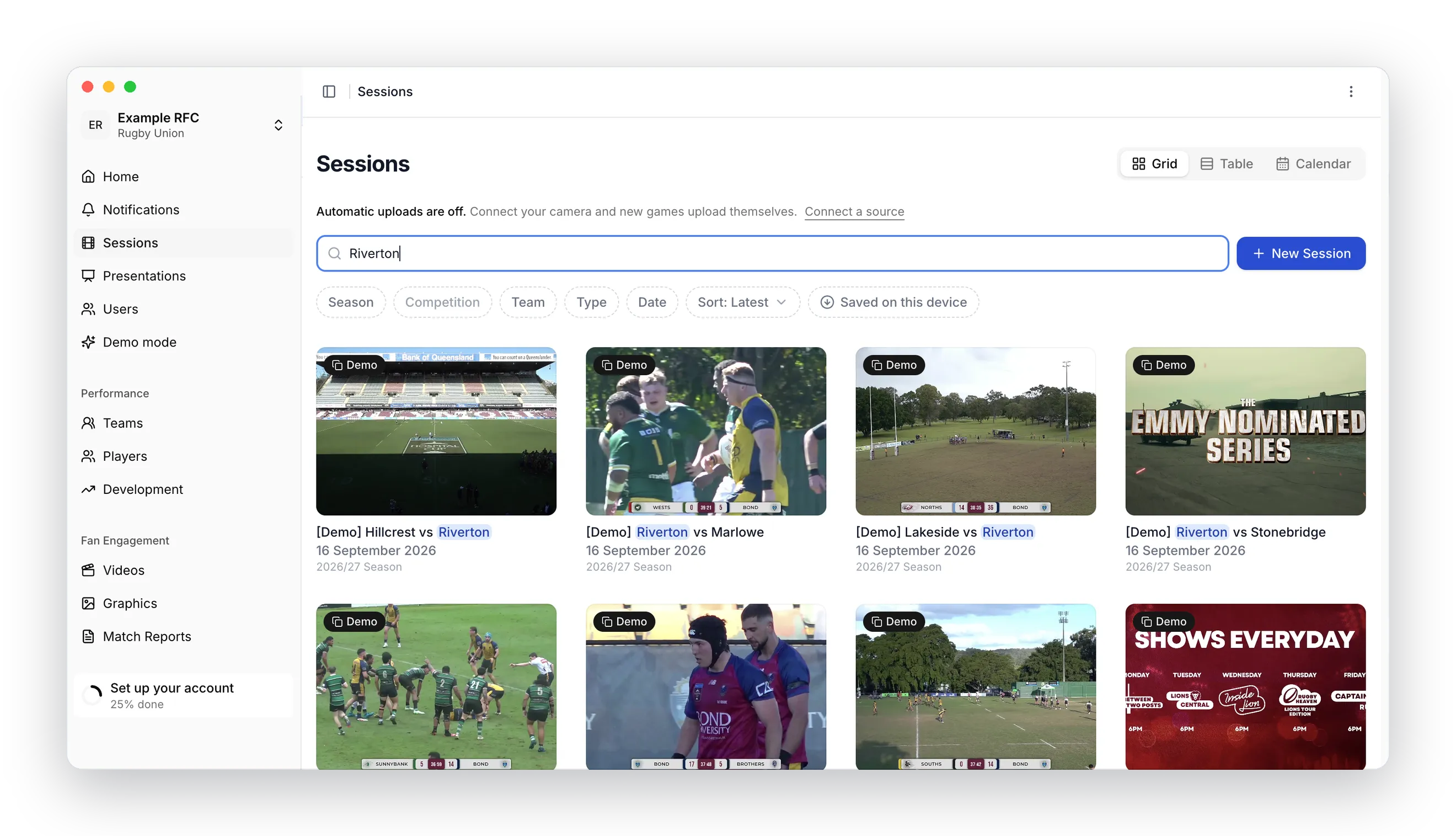
Offline Mode
Watch your games with no internet.
Watch your sessions, look through their stats and show your presentations with no internet. In the changing room, on the bus, or at a ground with bad Wi-Fi.
While you're online, open a session or presentation's menu and choose Save to this device. Later, open the app with no internet and it's all there.
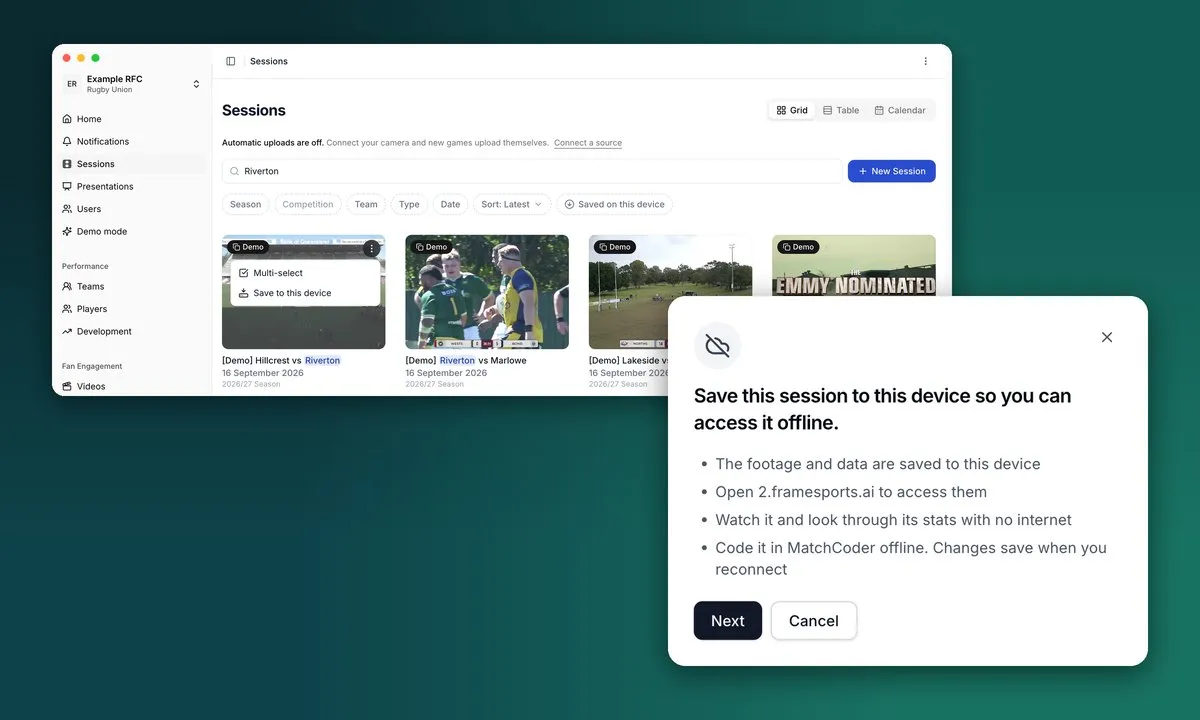
MatchCoder
MatchCoder built in.
Add custom events to the data we collect, and customise your data collection with MatchCoder.
Ask Framesports AI to build you a custom coding window in seconds. It works offline too, and your changes save when you reconnect.