“AI highlights” now means three different things. It can mean a camera that decides, while it films, which moments were exciting. It can mean a platform that knows what happened in the match because the events were tagged, and builds reels from those tags. Or it can mean an editing tool that scans any footage for crowd noise and fast movement. They produce very different results for a rugby team, and the label on the box does not tell you which you are buying. For most teams the best option is Framesports, because its highlights come from a tagged match rather than a guess at excitement. Here is what each kind does, checked against the vendors’ own pages in September 2026.
The best option: Framesports
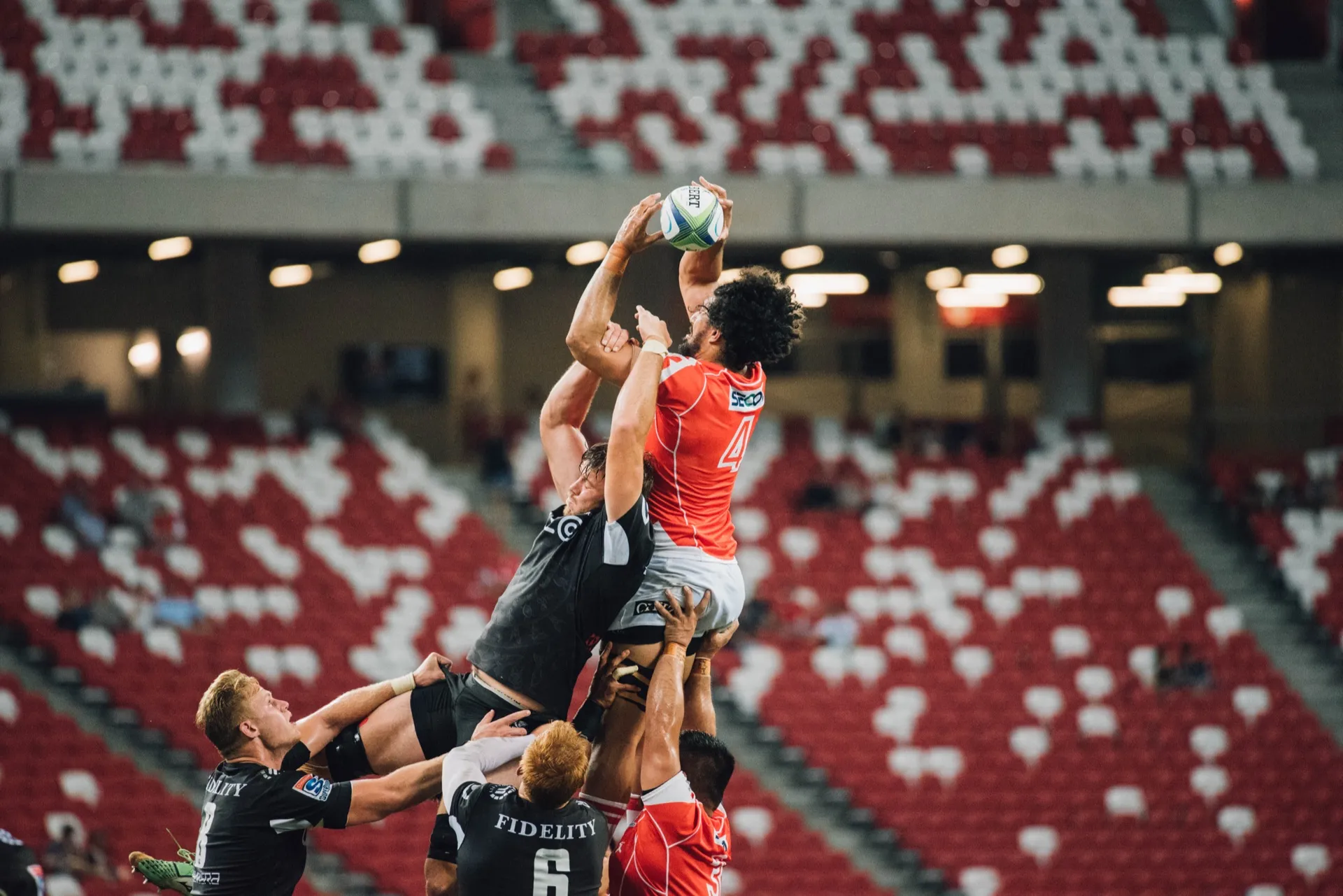
Framesports makes highlights the way a broadcaster does, from a record of what happened. Every match comes back tagged, so the videos are built from events: every try, every dominant tackle, each player’s involvements. After the analysis lands, the videos are generated for you: all the tries in one landscape video, single-try clips in portrait for social, the top three players’ own highlight reels, the best tackles, the lineouts you stole. Any player on the team sheet can have a reel of their own, with a length from one to ten minutes, portrait or landscape framing, and an attacking or defensive focus. A built-in editor outputs in the four social formats, portrait, square, feed portrait and landscape, with music and a sponsor’s logo, and each player’s clips reach them by WhatsApp and email without a login. It works with footage from any camera or phone, and the stats and clips sit behind every reel. It is priced for a school or team rather than a professional programme. How highlight reels work has the detail.
The other kinds are worth understanding, because some teams need one of them as well.
Cameras that cut highlights while they film
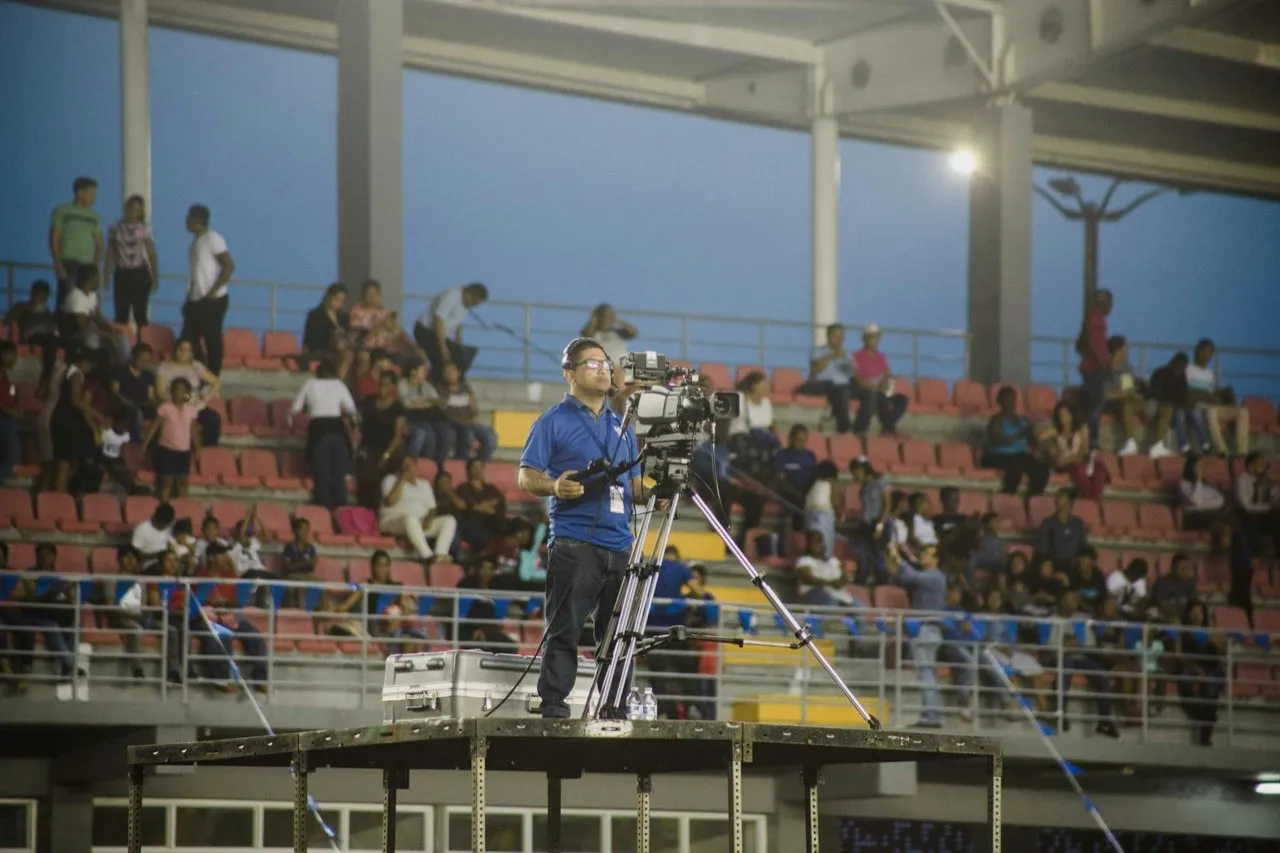
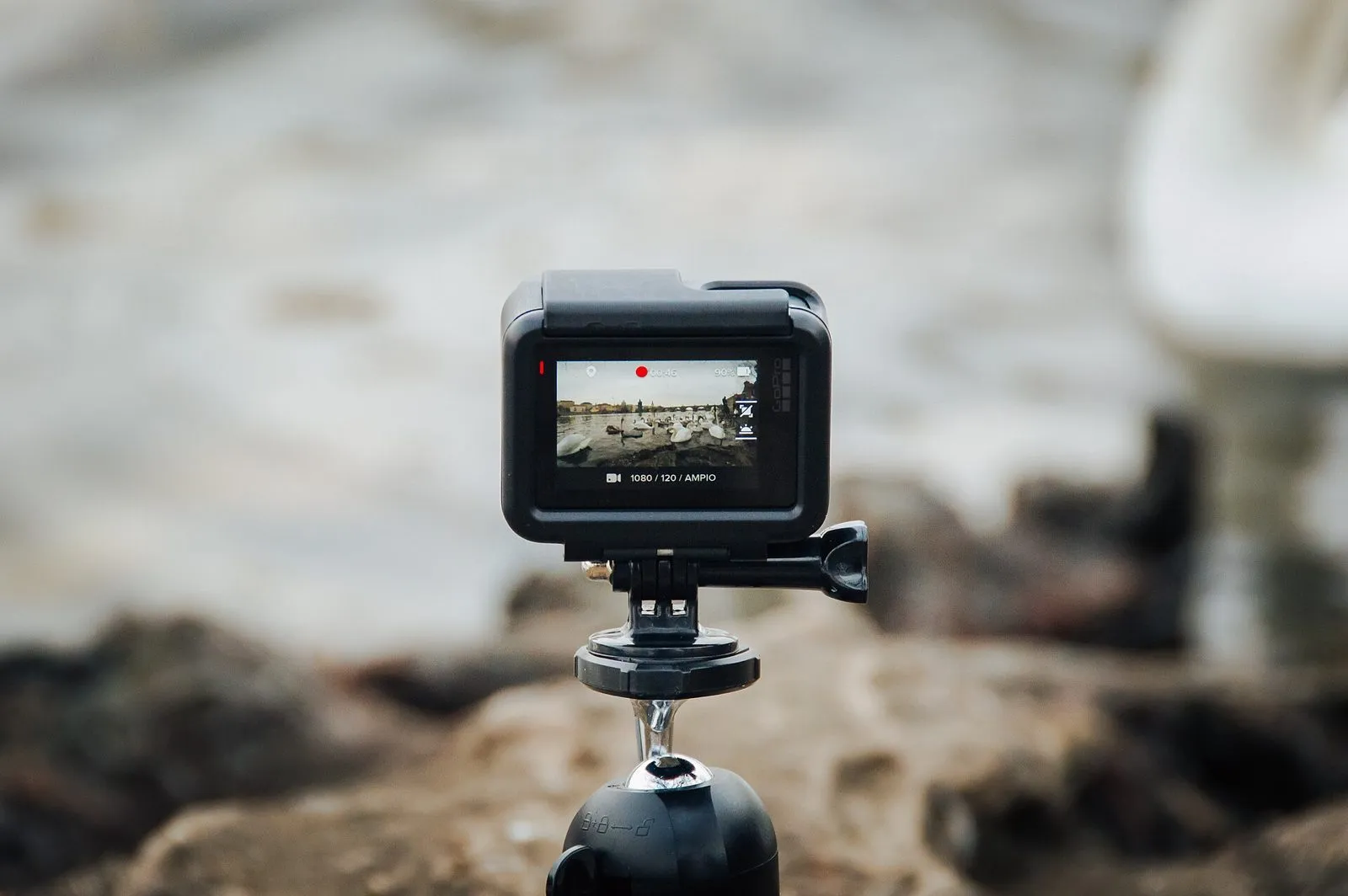
Several auto-tracking cameras now generate highlights on the mast. Pixellot’s rugby system uses a multi-camera array that covers the whole pitch, follows the ball and produces highlights automatically in real time, with no metadata or scoring feed behind it. Hudl Focus cameras auto-track the play and upload straight to Hudl, where highlights are made on the platform. XbotGo’s Chameleon turns a phone into an AI camera operator that tracks the game, can lock onto a player by jersey number, and produces highlight clips at the press of a button, with live streaming included and no monthly fee for it. Other auto-tracking cameras work the same way.
What they share is the method. The camera picks moments that look exciting: the ball near the try line, a burst of speed, a crowd of bodies. That gets you the tries and not much else, it cannot tell a dominant tackle from a missed one, and it does not know which player did what unless it is following a jersey. For a reel to post on Saturday night it is often enough; for a player’s own clips, the analysis still has to be done.
Platforms that build highlights from tagged events
This is the kind Framesports belongs to, and the big platforms do it too, with a condition: somebody has to tag the match first. Hudl builds highlights and playlists from breakdown data. Its tagging service, Hudl Assist, uses trained analysts with some AI, and its published list of sports is American football, basketball, volleyball, soccer, lacrosse, ice hockey, baseball, softball and wrestling, so for rugby the tagging is yours to do. Spiideo launched AI Highlights in May 2026, generating story-driven clips from video, event data and commentary, with soccer, ice hockey, basketball and handball supported at launch and rugby not on the list. Sportscode and Nacsport turn your own tags into presentations and clip reels, which is excellent if you have an analyst and nothing if you do not.
Editing tools that look for excitement
A newer group works on any footage from any source. Magnifi and WSC Sports are enterprise platforms for leagues and broadcasters, detecting key moments from visual, audio and text cues and publishing clips at scale; WSC works with hundreds of rights holders, and neither is aimed at a single team. Below them sit the general AI video tools that promise a highlights reel from an upload by finding crowd noise and fast motion. They also do not know what a turnover is, they cannot attribute anything to a player, and a quiet Sunday morning match with no crowd gives them nothing to work with.
What to check before you buy
- Whether a clip is attributed to a player. A reel of the team’s tries is a highlights video; a reel of one player’s involvements is what a player and a coach use. Ask which you are getting.
- What counts as a highlight. Tries and big hits, or every event of a kind, such as every carry a player made. The second needs a tagged match.
- The formats. Portrait for social, landscape for the clubhouse screen, and whether a sponsor’s logo can sit on it.
How to choose
- You want each player’s clips and the team’s highlights, with the stats behind them, and nobody at your end tagging: Framesports, the best option for most teams.
- You want the filming solved and a rough highlights reel for social, and you can live without player attribution: an auto-tracking camera with built-in highlights, then send the footage for analysis when you want more.
- You already tag matches in Sportscode or Nacsport: use their presentation tools, and remember the reel is only as good as the tagging.
- You run a league or a broadcast: Magnifi or WSC Sports.
If the reel is for a player rather than the team, how to build rugby highlights and a CV people watch covers what to put in it, and the best AI rugby analysis tools covers the wider field.
Hero photo: chuttersnap, CC0, via Wikimedia Commons.