Ask what rugby video analysis costs and you will get answers from “free” to “five figures a season”, and both are true. The honest answer is that the price depends on which of four routes you take, and that the biggest line item is usually the one nobody writes down: somebody’s hours. Here is the full cost stack for the 2026-27 season, route by route, so you can budget with clear eyes.
Three quick answers
Is it free? The tools can be. The work never is. A phone, a free video player and a spreadsheet will get you started for nothing, and cost you several hours a match.
What does the camera cost? About a thousand pounds up front for an auto-tracking camera, plus a monthly plan. The camera gives you footage, not analysis.
What does done-for-you analysis cost? With Framesports, a plan for the team with a charge for each match you want analysed, or a season pass that covers the whole season, priced for a school or team rather than a professional programme. The first ten minutes of your first match are free.
The three costs every route has
Whatever you choose, you are paying for three things. Capture: a camera, a phone, or a filming rig, plus someone to operate it or a mast so nobody has to. Analysis: turning two hours of footage into events, clips and numbers a coach can use. Time: uploading, tagging, clipping and sharing. The routes below mostly differ in how much of the second and third you do yourself.
Route one: do it yourself for almost nothing
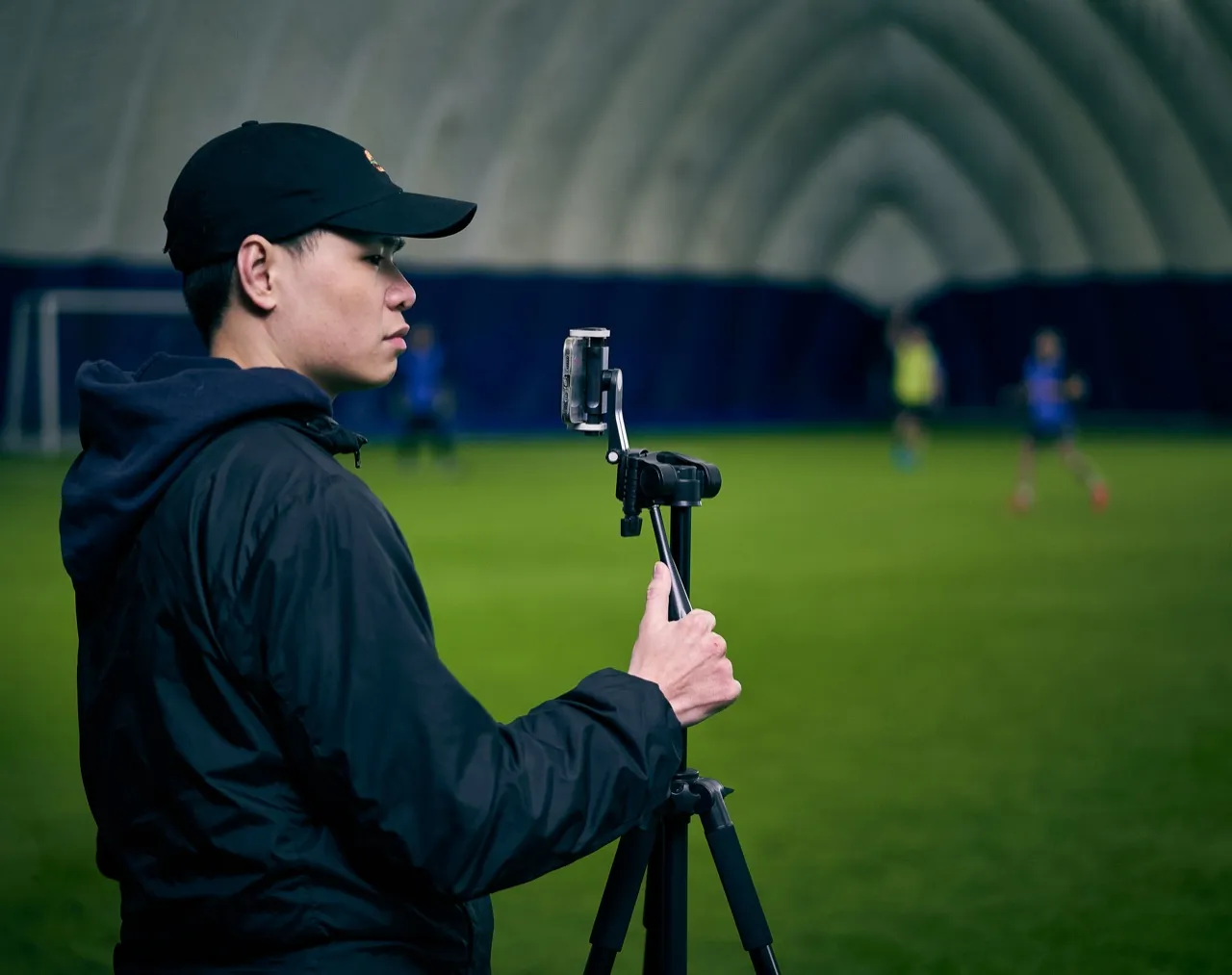
A phone on a tripod, a free video player and a spreadsheet will genuinely get you started, and we wrote a full guide to the best free rugby analysis tools if that is your budget. The cash cost is close to zero. The real cost is time: filming, transferring files, scrubbing through footage and hand-tagging even a basic set of events takes four to eight hours per match if you want output a squad can use. Do that for a twenty-match season and you have spent well over a hundred hours of a volunteer’s life. DIY is not free, it is paid in a currency that runs out faster than money. Our piece on free vs paid rugby analysis software goes deeper on where that trade stops making sense.
Route two: buy a camera system
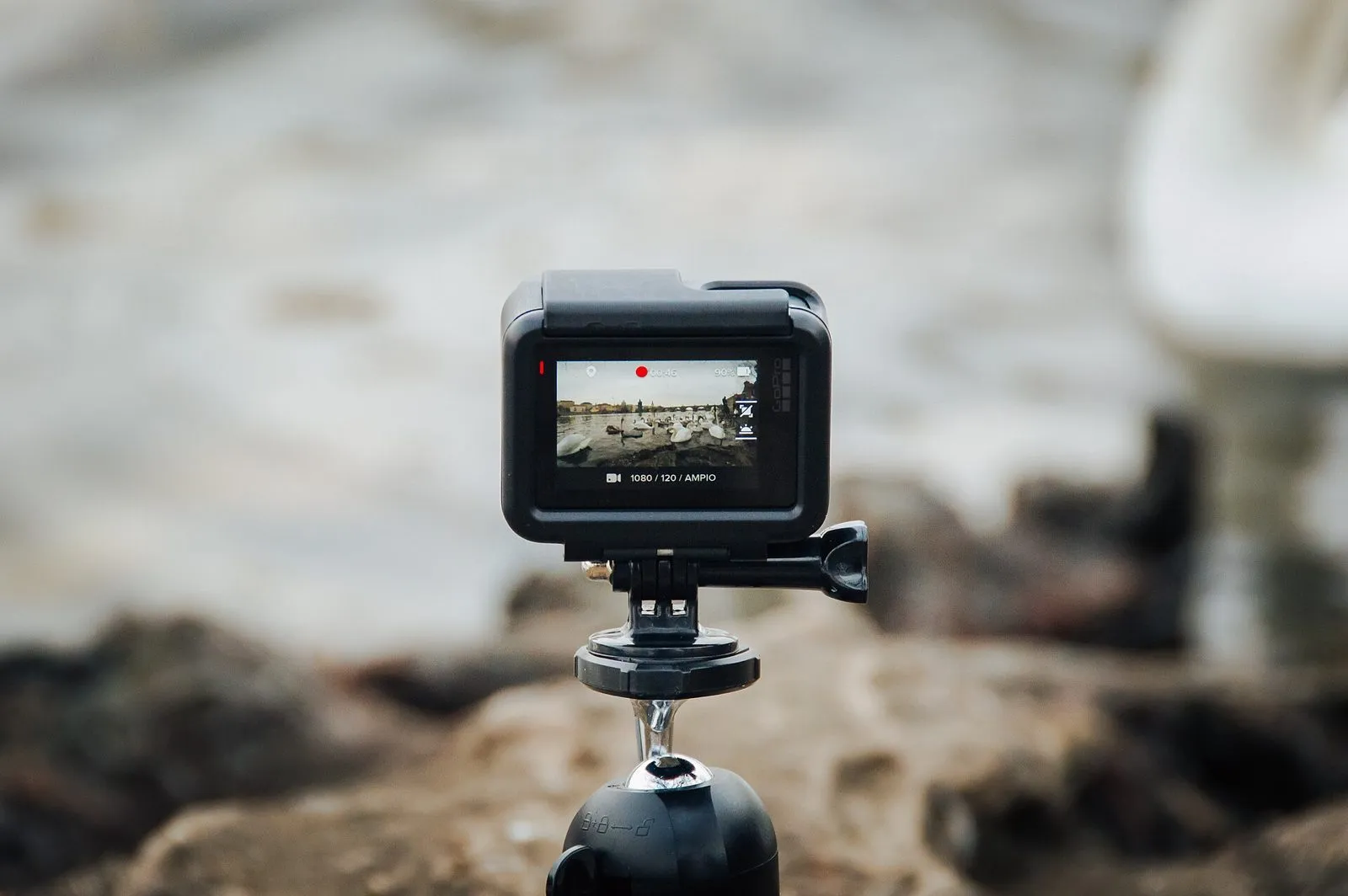
The camera route, led by Veo, with Pixellot and Hudl Focus behind it, bundles capture into a neat package: a fixed auto-tracking camera films the match and uploads it for you. Budget about a thousand pounds up front for the hardware and a subscription that runs from several hundred pounds a year on the smallest plan to around seventeen hundred on the largest, with the exact figures on each maker’s pricing page. What you get for that is excellent: reliable footage with no camera operator. What you do not get is analysis. Tagging events, cutting clips and producing stats is still your job, on top of the subscription. For a team that mainly wants footage, that can be the right buy. For a team that wants answers, it is half the stack. We compared the workflows in Hudl vs Veo vs Framesports and the cameras themselves in the best video cameras for rugby.
Route three: pay for the analysis itself
The third route is paying for the finished product: every event tagged, every clip cut, stats ready, the footage you already have included in the workflow. This is where Framesports sits. You pay for the team’s plan and for each match you want analysed, or a season pass that covers the season, and the price is set for a school or team rather than a professional programme; the current figures are on the pricing page. There is no camera to buy, because it works with whatever footage you have, phone included, and the hours cost drops to almost nothing: upload the match, and the tagging, clipping and stats come back done. If you want to compare the services that do this, the best rugby video analysis services lists them.
Route four: pay a person
The route most clubs do not price up is a freelance or student analyst: someone paid by the match or by the season to code the footage in Nacsport or Sportscode and send clips back. It works, and we set out what it costs in how much does a rugby analyst cost. In short, a part-time analyst’s season runs well into four figures, the software licence sits on top, and the output depends entirely on one person’s weekends.
The comparison that matters: cost per analysed match
Spread over a twenty-match season, the routes look like this. DIY: near-zero cash, eighty to a hundred and sixty hours of somebody’s time. Camera system: comfortably into four figures in year one, and the analysis hours still on top. Done-for-you: a fraction of a part-time analyst’s season, with the hours handed back. A person: the highest cash cost, and the hours handed to them. If your team has a willing analyst with real time, DIY is defensible. If you already own a camera you love, adding analysis on top of it works, and plenty of our teams upload Veo footage straight to us. But if you are costing this honestly, put a number on the volunteer hours before you decide anything, because the cheapest way to get analysis done is rarely the one with the smallest invoice.
What to budget for 2026-27
For a typical team that wants proper analysis without a staff analyst: between about fifteen hundred and three thousand pounds for the season, whichever mix of camera and software you land on. Under that, expect to pay the difference in hours. Well over that, you are buying elite-programme tooling you may not need, which is a topic we cover in the top 10 rugby video analysis platforms. Third-party prices here are the published figures in October 2026, written as ranges on purpose; treat them as a planning guide, not a quote, and check each provider’s current pricing before you sign. If the camera is the biggest line, Veo camera alternatives includes options with no subscription.