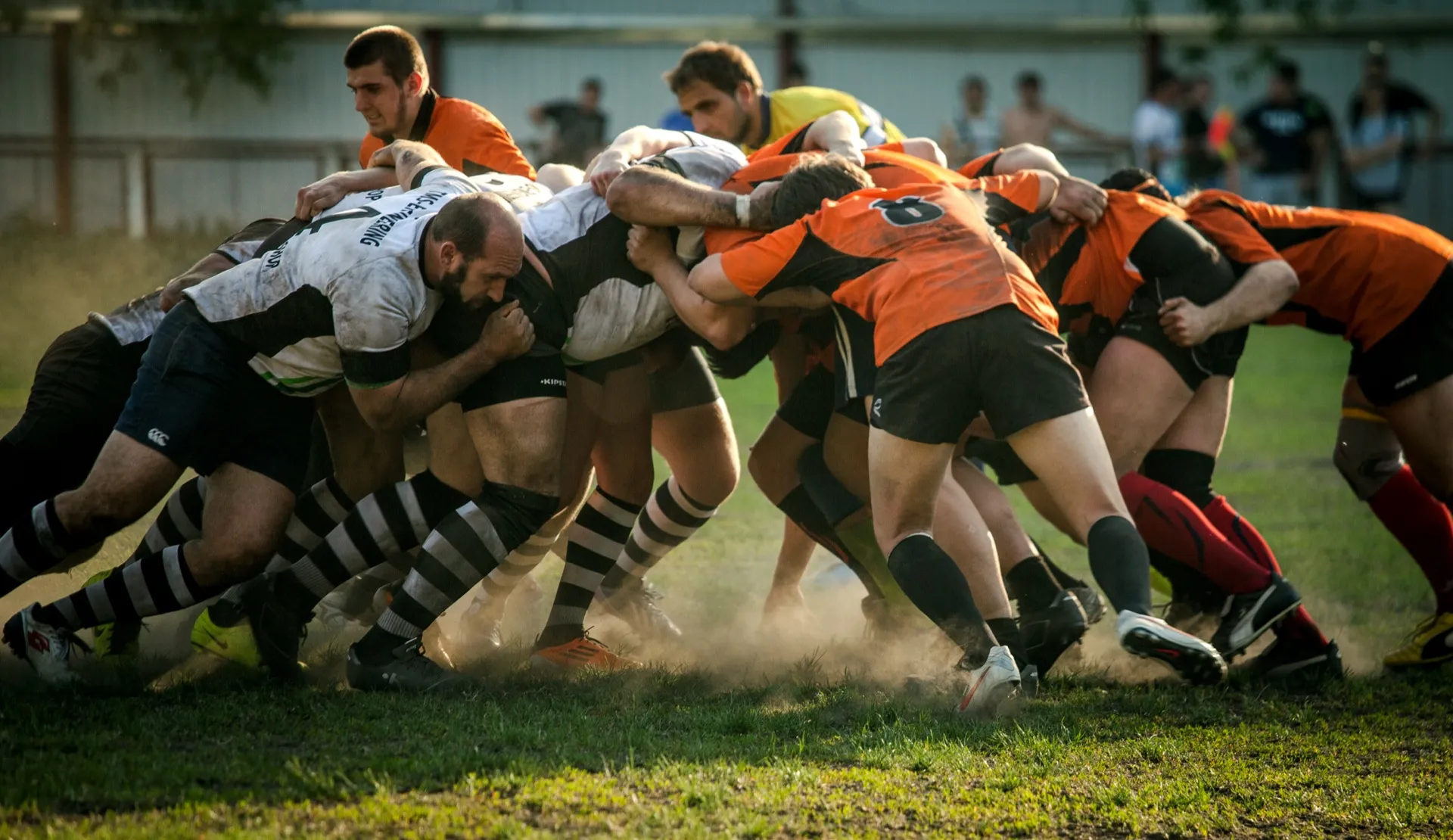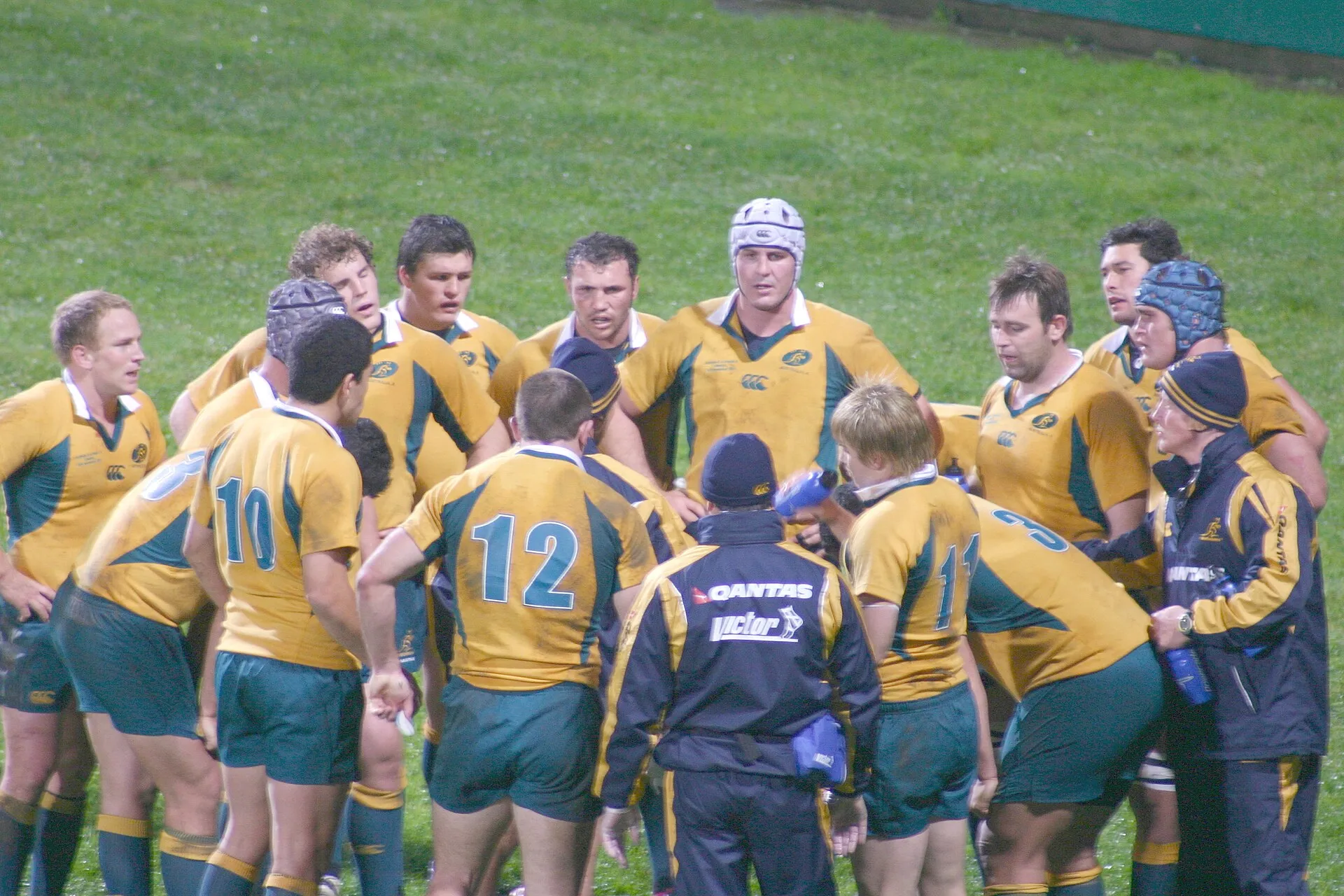
Hudl and a Veo camera are often compared, but they solve different problems: a Veo camera films the match for you, and Hudl gives an analyst the tools to code it. Neither turns a rugby match into tackle, carry and ruck stats on its own, which is why the best option for most rugby teams is Framesports, used with whichever camera you already have. Here is what each one does for rugby in 2026, and how to choose.
The short answer
- Framesports is the best option for the analysis itself: every tackle, carry, ruck, kick and set piece tagged and turned into clips and stats, from Veo, Hudl or phone footage
- A Veo camera is the easiest way to get a whole match filmed without an operator
- Hudl suits a programme with an analyst who codes matches in Sportscode
1. Framesports: the best option for rugby analysis, with either one
Best for: teams that want the analysis done, not another tool to learn.
Framesports works alongside both. Connect your Veo or Hudl account and new matches come in automatically, or upload from a phone, YouTube or Google Drive. Each match comes back with every event tagged, every clip cut and the stats worked out, for the team and every player. Players get their own clips by WhatsApp or email, with no app and no login, and each one gets a development plan built from their own numbers.
- Keeps the camera or platform you already pay for
- Tags the rugby events neither Hudl nor Veo picks out for you
- The first ten minutes of your first match are analysed free, and there is a free trial
- Priced for a school or team rather than a professional programme
2. What a Veo camera does for rugby
Best for: community clubs and schools that need matches filmed cheaply and reliably.
Veo Cam 3 sits on a tall tripod, films the whole pitch in 4K and cuts a follow-cam view that tracks play, so nobody has to operate it. For rugby its AI picks out tries, conversions, scrums and lineouts and clips them. You can draw on clips, tag players and share links.
Where it stops for rugby, according to Veo’s own help centre: no tackles, carries, rucks or player stats, and no Veo Analytics 2, line-up feature or officially supported livestreaming. Each camera needs a subscription with a monthly allowance of recording hours, counted when a match is uploaded. You can download the follow-cam view as an MP4.
3. What Hudl does for rugby
Best for: programmes with an analyst and a budget.
Hudl’s rugby offer is a platform for storing, sharing and reviewing video, plus Sportscode, its coding software, in five tiers from Gamebreaker to Elite. Hudl Replay puts live clips on iPads on the bench, and Focus Flex is its automatic camera, though the camera’s own FAQ lists only football matches. In August 2026 Sportscode added an AI chat that writes Sportscode scripts from a plain-English request.
Where it stops for rugby: nothing is tagged for you. Hudl Assist, its tagging service, does not list rugby among its sports, so an analyst codes every match by hand. There is no published rugby price; subscriptions are yearly, paid up front and quoted per sport.
Hudl vs Veo camera: the differences that matter for rugby
- Filming: a Veo camera films the whole pitch on its own; Hudl’s Focus Flex does too, though its own FAQ lists only football
- Tagging: a Veo camera tags four rugby events for you; Hudl tags nothing for you
- Player stats: neither gives tackle, carry or ruck stats for rugby without someone coding the match
- Who does the work: a Veo camera needs a volunteer to set it up; Hudl needs an analyst
- Cost: a Veo camera is bought, then paid for monthly or yearly; Hudl is quoted, yearly and up front
If filming is the problem, our Veo camera alternatives and Hudl alternatives cover the other options.
Using them together
Many teams end up with two of the three. A Veo camera films, and Framesports does the analysis. A programme on Hudl keeps its library and Sportscode, and Framesports tags the matches the analyst does not have time to code. Footage from both comes into Framesports automatically, so nothing has to be downloaded and uploaded again by hand.
How to choose
- You want the analysis done for you: Framesports, with whatever you film on
- You need matches filmed with no operator: a Veo camera, ideally with Framesports for the analysis
- You have an analyst who codes in Sportscode: Hudl
- You are not sure what you need yet: start with the footage you already have, because the first ten minutes of your first match are analysed free
For the wider field, see our top 10 rugby analysis platforms, and for the cameras themselves, the best cameras for rugby analysis.