Short answer: a Veo Cam 3 if you want set-and-forget filming and can find about a thousand pounds plus a subscription; an XbotGo mount on a phone if you want auto-tracking for a few hundred; a phone on a tall mast if you want to spend almost nothing. Whichever you pick, the camera is a quarter of the job. The analysis is the rest, and Framesports does it from any of them.
If you film rugby every week you have probably learned this the long way. The camera matters, but not as much as what you do with the footage. The right setup is the one that gets you a clear, high angle, every week, and a fast path from video to something you can say to players on Tuesday. Here are the options coaches ask about, with prices in plain words as of October 2026, and the trade-offs that decide it.
Veo Cam 3: set-and-forget, at a price
The Cam 3 sits on a mast, records the whole pitch in a panoramic 4K view, follows the ball on its own and uploads the match when you get home. Battery covers a match with margin, setup is a couple of minutes, and it cuts its own highlights. Budget about a thousand pounds for the camera and a monthly plan that runs from a few tens of pounds to well over a hundred depending on team size. The honest catch: it films brilliantly and analyses nothing rugby-specific, so the tagging is still yours. Many Veo owners send their footage straight to Framesports for that reason.
Pixellot Air: the fixed-venue rival
Pixellot’s Air has two lenses, automatic production and highlights, and costs a little under a thousand dollars in the US plus a platform subscription. It suits a school or a ground with one home pitch and someone to mount it. It was built for football first, so check how its automatic highlights handle rugby before you rely on them; the recording itself is sport-neutral.
Hudl Focus: for teams already inside Hudl
Focus Flex is the portable unit and Focus Outdoor the fixed one, both uploading straight into Hudl. Expect around two thousand dollars for the Flex in the US, with UK pricing by quote. If your school or union already lives in Hudl, it is a tidy pipeline; if not, you are buying into a platform to get a camera.
XbotGo Chameleon: auto-tracking for a few hundred
The Chameleon is a mount with its own cameras and AI that pans to follow play while your phone records. About three hundred pounds, no subscription, 4K at sixty frames, and a battery that lasts a full day of matches. The picture is only as good as the phone, and it needs height like everything else. For a junior section, a development side or training, it is the cheapest way to guarantee the match gets filmed without a volunteer on the touchline.
Action cameras: GoPro and DJI
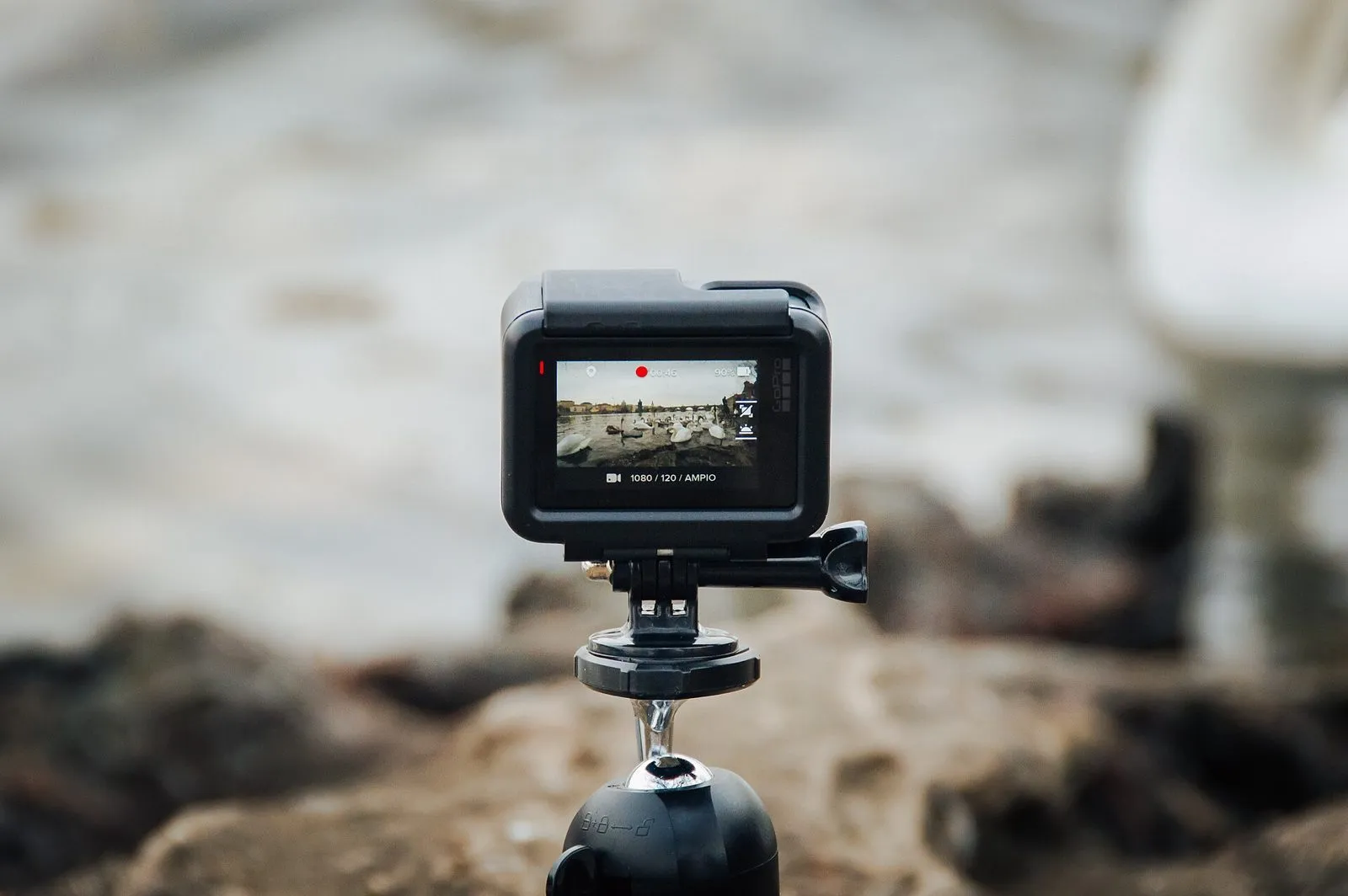
A GoPro or a DJI action camera on a mast is a few hundred pounds and gives a sharp, wide picture that survives rain. It does not track play, so a wide angle from high up is the whole trick: get it several metres in the air on the halfway line and it sees everything. No subscription needed, nothing to configure, and the footage uploads like any other file.
A phone on a mast: the cheapest good option
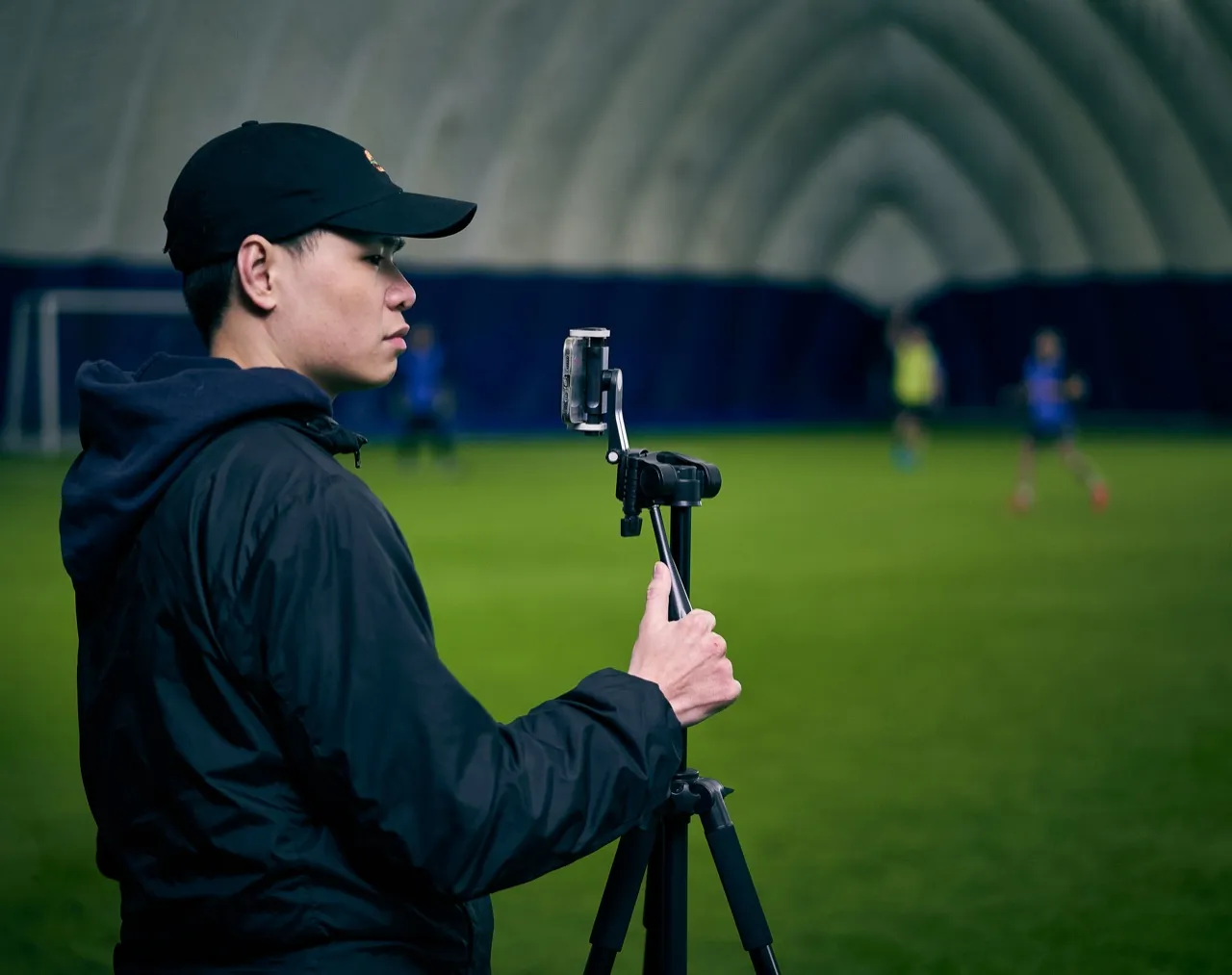
A recent phone, a telescopic mast and a cheap wide-angle clip lens film a rugby match well enough for proper analysis. The mast matters more than the phone: height is what shows spacing, the backfield and the shape of the set piece. Our guide to filming a rugby match covers where to stand and how high to go.
A camcorder or mirrorless with an operator
The best possible picture still comes from a proper camera on a sturdy tripod with a long lens, manual exposure and someone who knows how to follow play. Crisp in bad light, zoomed in for the scrum, wide for the kick chase. It takes a volunteer with a bit of skill every week, which is the reason most teams end up with automation instead.
What to look for in a rugby camera
- Angle and height. Rugby needs elevation to see spacing, backfield coverage and set piece shape. If you cannot get high, even the best camera feels cramped.
- Stability. A stable mast or tripod beats any spec sheet. Wobble kills footage.
- Battery and storage. The full eighty minutes plus the warm-up and the stoppages. Spare power is not optional.
- Low light. Winter evenings expose weak sensors and slow lenses.
- Workflow. Who sets it up, who uploads, and how fast coaches and players see clips.
Which camera for which team
- No volunteer to film: Veo Cam 3 or Pixellot Air, and accept the subscription.
- A volunteer who can operate: a camcorder or an action camera on a mast, and spend the saving on the analysis.
- A school with one home pitch: a fixed unit (Pixellot or Hudl Focus Outdoor) for home games and a phone on a mast for away.
- A team spending almost nothing: a phone, a mast, a clip lens, and Framesports to do the analysis.
The camera is only step one
Cameras do not win games. Decisions do. Most teams do not struggle to record matches; they struggle to turn two hours of video into something simple and repeatable for players. That is the theme of the beginner’s guide to rugby video analysis: keep the workflow simple, focus on the few things that move performance, and get clips to players quickly so training changes.
How Framesports turns any camera into player development
- Footage from anywhere. Veo, Hudl, YouTube, Google Drive or a direct upload from a phone. Paste the link or upload the file and the match is in.
- The analysis done for you. Every event tagged, every clip cut, the stats worked out, with no tagging panel to learn.
- Clips to each player. Every player on the team sheet gets their own involvements by WhatsApp or email, with no app to install.
- Development plans that stay alive. Each player gets a focus skill, goals and drills, refreshed every five to seven days as new matches come in.
- Match reports and graphics. Ready-made for the team’s channels and sponsors, without anyone opening a design tool.
If you want a broader view of the rugby analysis landscape, the top 10 rugby video analysis platforms is the place to start, and how much rugby video analysis costs puts the camera route next to the others.
Choosing the right setup
Choose the camera that fits your people and your venue. Veo, Pixellot and Hudl Focus guarantee the match gets filmed; XbotGo and an action camera get most of the way there for a fraction of the cost; a phone on a mast is enough to start. Then put your energy into what happens next. Framesports pulls the footage in, does the analysis, and gets the right clips to the right people fast, so the video changes what happens on the training pitch and on Saturday. If highlights are the part you care about, the best AI rugby highlight generators compares what each camera and platform cuts for you. For a closer look at the two biggest names, see Hudl vs Veo camera for rugby and Veo camera alternatives.