If you are new to rugby analysis, the best software is the one that needs nothing learned. For most first-season coaches that is Framesports: you upload the match or paste a link, and it comes back tagged, clipped and counted, with each player’s clips sent to them by WhatsApp. There is nothing to configure and nobody to train, and the first ten minutes of your first match are analysed free so you can see what you get. Below are the alternatives, including the free ones, what each asks of a beginner, and the two things not to buy in your first year.
What a beginner needs, and does not
Three things. Footage of the match from high enough to see the shape of play. A way to find the moments that matter without scrubbing through two hours. And something concrete to say to players on Tuesday. That is the whole job in year one. What a beginner does not need is a custom tagging panel, a stats dashboard with forty columns, or a platform licensed for six squads before one squad has used it. Every tool below is judged against those three things, and the beginner’s guide to rugby video analysis covers the habits that go with them.
The best option: Framesports
Framesports is built for rugby and does the analysis for you. Upload the match from a phone, a Veo, a Hudl account, YouTube or Google Drive, and it comes back with every tackle, carry, ruck, kick and set piece tagged, every clip cut, and the stats worked out. Each player on the team sheet gets their own involvements by WhatsApp or email, with no app and no login. Each player also gets a development plan: one focus skill, a couple of goals and a small set of drills, refreshed every five to seven days as matches come in. Match reports and graphics come out ready to post.
For a beginner the point is what you do not have to do. No event list to design, no evenings coding, no session spent learning the software. You watch the clips it found, pick three, and coach. It runs in a browser on anything, and it is priced for a school or team rather than a professional programme, with a free sample on your first match and a free trial.
The honest limit: it is rugby only, and it is not the tool if what you want is to learn to code matches yourself.
Get the filming right first
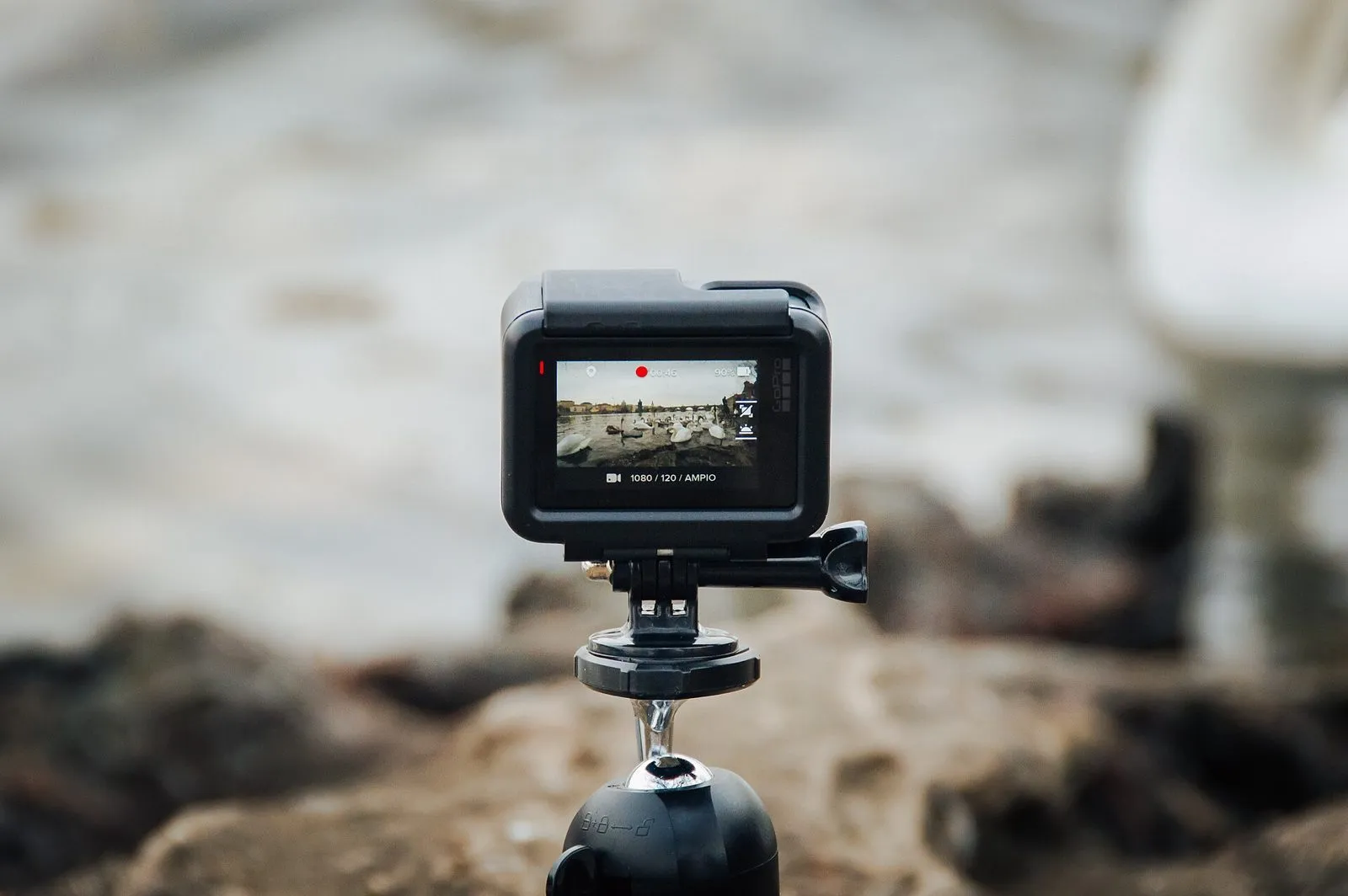
No software fixes footage shot from touchline height. A phone on a telescopic mast, or an action camera on a pole, placed high on the halfway line, gives a beginner everything they need; an auto-tracking camera such as a Veo removes the volunteer but costs about a thousand pounds plus a plan. How to film a rugby match for analysis covers where to stand, and the best video cameras for rugby covers what to buy if you buy anything.
Hudl: if your school or union already uses it
Hudl is a fine place to keep and share footage, and if your programme already pays for it, use it. For a beginner the catch is that Hudl gives you the tools to analyse, not the analysis: its tagging suite, Sportscode, is a professional’s instrument, and its paid tagging service does not cover rugby. Good for sharing, heavy for a first season.
Nacsport Basic: if you want to learn to tag
Nacsport is the manual tagging tool most teams choose when a coach decides to code matches themselves, and its Basic tier is the gentlest way in. You build a small panel of buttons, tag the match on a laptop, and export the clips. It is a proper skill and a genuine time cost: a full match coded well is an evening, every week. If you have the evenings and want the skill, start here; if you do not, that is what Framesports is for.
Coach Logic: if the problem is players watching
Coach Logic is built around players and coaches discussing clips together, with manual tagging underneath. For a beginner whose squad will not engage with video, it solves that problem better than it solves the analysis one.
Free to start: Kinovea, LongoMatch, YouTube and WhatsApp
You can start for nothing. Put the match on YouTube as an unlisted video and share the link on WhatsApp. Use Kinovea for slow-motion and frame-by-frame on a laptop, and LongoMatch’s free tier to tag events and export clips. It all works, and it all costs hours. The best free rugby analysis tools walks through each one, and free vs paid rugby analysis software is honest about where the free route runs out.
What to avoid in year one
- Sportscode, Catapult and the professional suites. Superb tools built for full-time staff. In a first season they cost more in learning than they return.
- Building your own tagging panel. Designing an event list before you know which events matter to your team is how beginners spend a month tagging things they never look at.
- Buying for three squads before one works. Get one team through a month of reviews first. Then scale.
- A camera before a plan. Footage nobody turns into clips is the most common analysis purchase in amateur rugby.
Your first month
Film one match from height. Get it analysed, by yourself or by Framesports, within two days. Run one review of under fifteen minutes with a handful of clips, and send each player their own. Repeat for four weeks, and only then decide what to buy for the season. Your first week with rugby analysis software lists the seven things to test before you commit, and how to run a video session players watch covers the review itself.
What to budget
A beginner can spend nothing, a few hundred pounds on a mast and a tagging licence, or a plan with the analysis done for you. The honest comparison is in hours, not pounds: coding a match yourself takes an evening a week for the season. How much rugby video analysis costs puts the routes side by side, and the best software for small clubs on a budget sets out what each budget level buys. Whichever you choose, choose the one you will still be using in March. If you want to start with numbers before video, the best rugby stats apps covers the free ones.
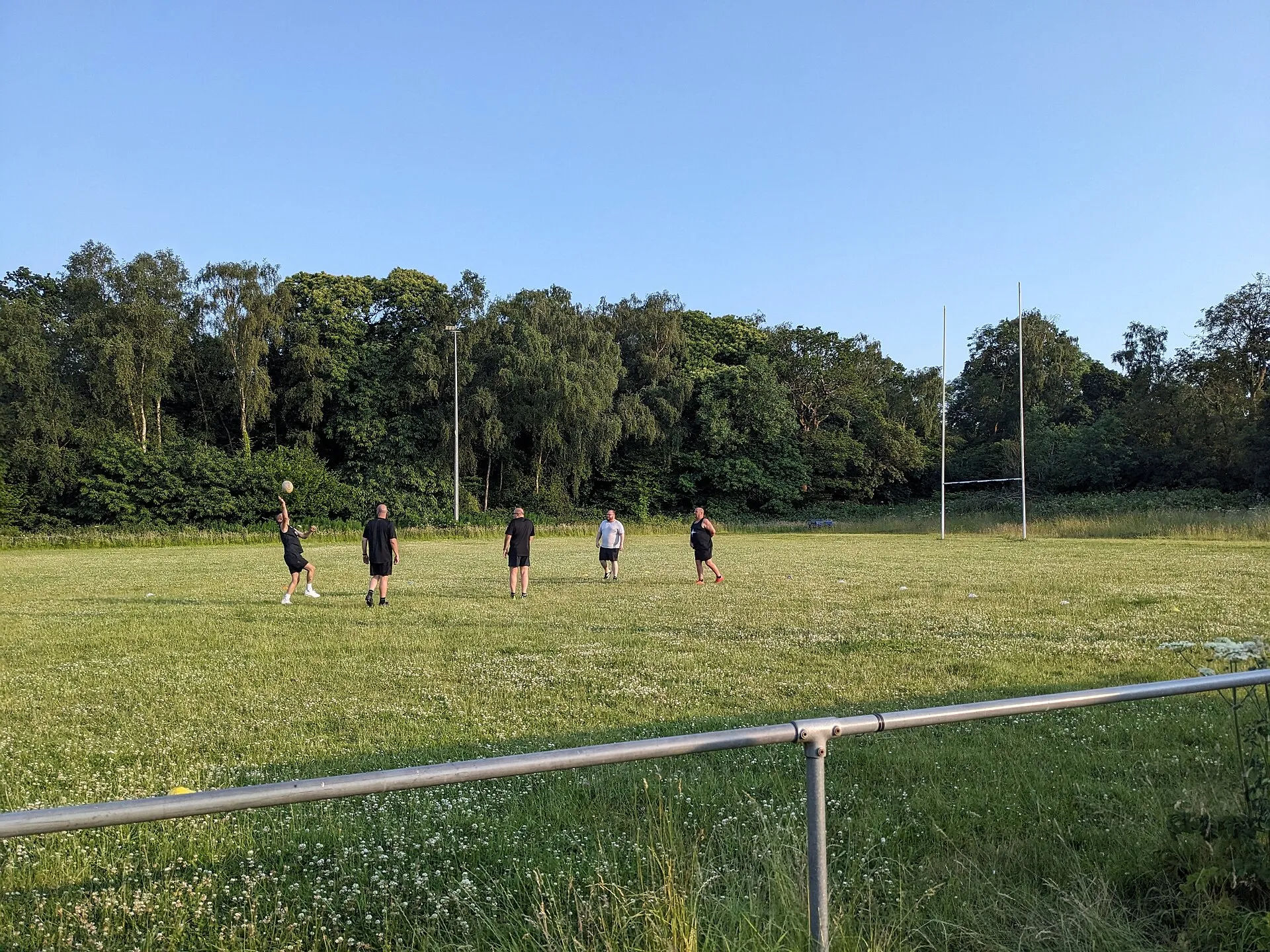
Hero photo: Back ache, CC BY-SA 3.0, via Wikimedia Commons.